
You might be wondering if it’s possible to start working as a virtual assistant with no experience. The truth is, many people begin this flexible career without a background in admin or freelancing. With the right guidance, you can enjoy the perks of working from home -like setting your own hours, working in comfortable clothes, and building a business that fits around your lifestyle.
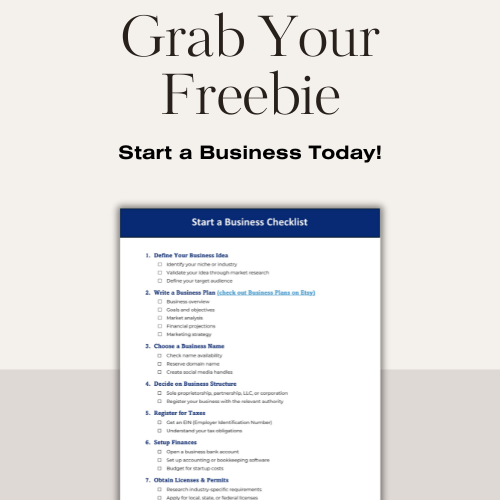
Disclaimer:
This article contains affiliate links. If you make a purchase through these links, we may earn a small commission at no extra cost to you. This helps support our content and allows us to keep providing valuable information.
Getting started as a virtual assistant with no experience may feel overwhelming, but the truth is many successful VAs began exactly where you are now. The key is to break the process down into simple, actionable steps. By focusing on building the right skills, setting up your services, and finding your first clients, you can start creating a flexible online career that fits your lifestyle.
Step 1: Pick Your Services (A.K.A. What You’ll Get Paid For)
Start with what you already know or love doing. You don’t need a fancy title or corporate background—just skills people will pay for.
Think:
- Email management (hello, inbox zero)
- Social media scheduling
- Calendar management
- Customer service replies
- Canva design
Step 2: Learn the Basics (Free or Cheap Is Totally Fine)
You don’t need a £2,000 course to get started. There are tons of affordable or free online courses that teach VA skills, freelancing, or business basics.
Check out the free training from Abbey of Virtual Savvy Course.

Try something like Skillshare or Udemy for budget-friendly tutorials. You’ll be surprised what you can learn in an afternoon.
Also: YouTube = free gold mine.
Step 3: Get Your Tools in Order
Even if you’re just starting, having a few good tools makes you look very professional.
Must-haves:
- A reliable laptop (no shame in starting on a hand-me-down). Check out laptops on Amazon
- A quiet-ish place to work (cats walking across the keyboard = extra charm)
- Google Workspace (emails, docs, spreadsheets galore)
- Project management tools like Trello or ClickUp
- Try HoneyBook for sending contracts, invoices, and questionnaires all in one place—it’s like your VA business command centre
Step 4: Create a Simple Portfolio
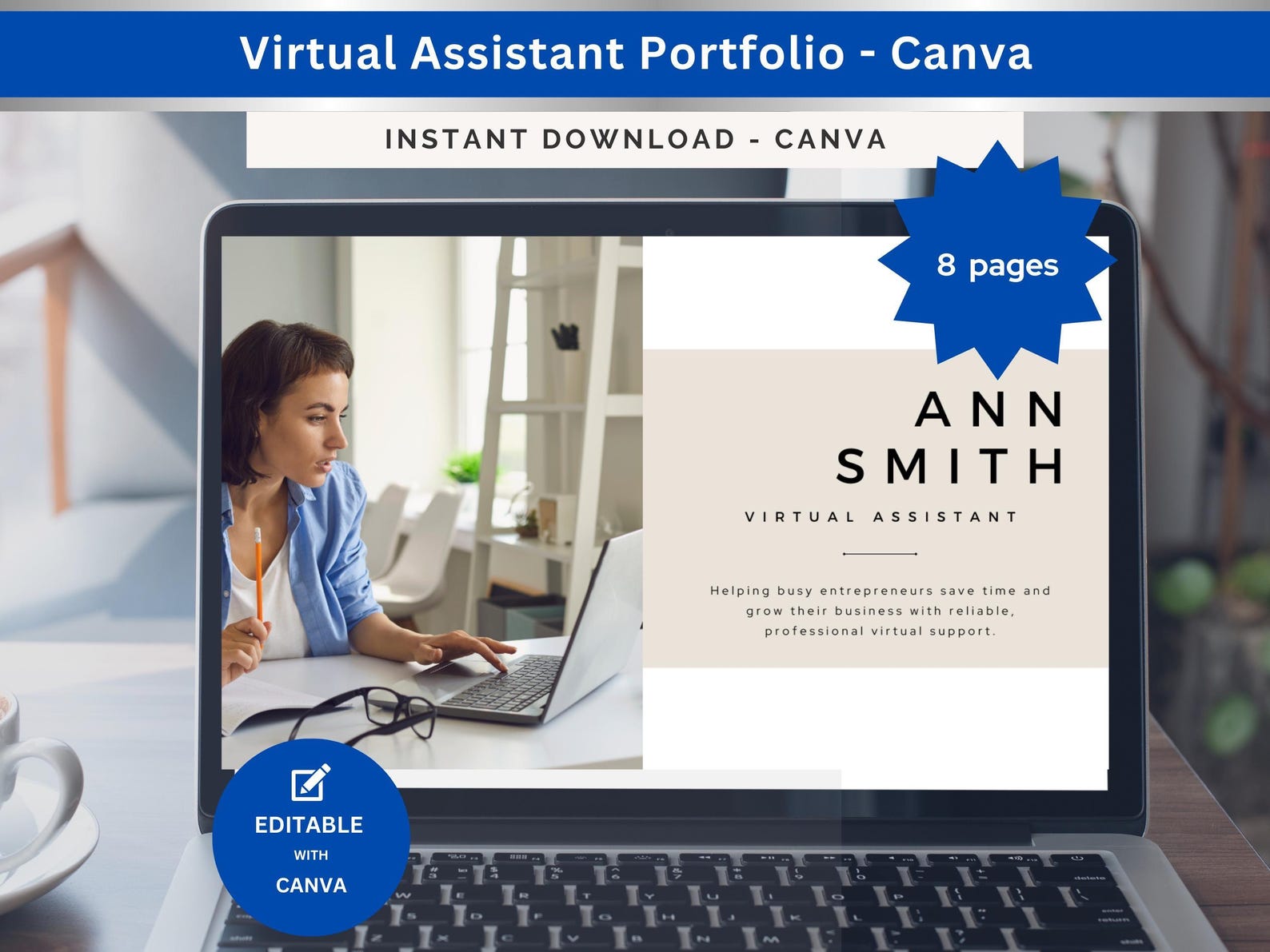
Even if you haven’t worked with clients yet, you can still showcase your skills by creating examples of the work you’d like to do — like a sample social media calendar, a blog post draft, or an email sequence based on a pretend business. Alternatively, do some work for a family member and add that to your Virtual Assistant portfolio.
Use Canva Pro to design a sleek portfolio PDF, or build a free website with Carrd or Canva Sites.
If you want an already done for you portfolio check out mine on Etsy.
Step 5: Start Small and Grow
Land your first client through:
- Facebook groups for business owners
- Freelance sites like Fiverr or Upwork (yes, people do get real gigs there)
- Telling your friends, family, and dog groomer that you’re offering VA services
Pro tip: Offer a discounted “beta rate” to get testimonials while you build confidence.
Check out this article for more marketing tips on how to grow your business.
Final Thoughts
Becoming a virtual assistant without experience is not only possible—it’s common. Most VAs start where you are. The difference? They actually start.
So go ahead—open that Google Doc, sketch out your services, and pretend you’re typing this from a cool co-working space instead of your kitchen table.
You’ve got this. And hey—those affiliate tools will make the ride smoother, and way more fun.